

Social media is a powerful tool to stay connected with friends, family and the world. But this convenience comes with risks: hackers, scammers, and data miners constantly look for ways to exploit personal information. The good news is that by practicing smart habits, you can enjoy the benefits of social media while keeping your data safe.
Here are some essential tips:
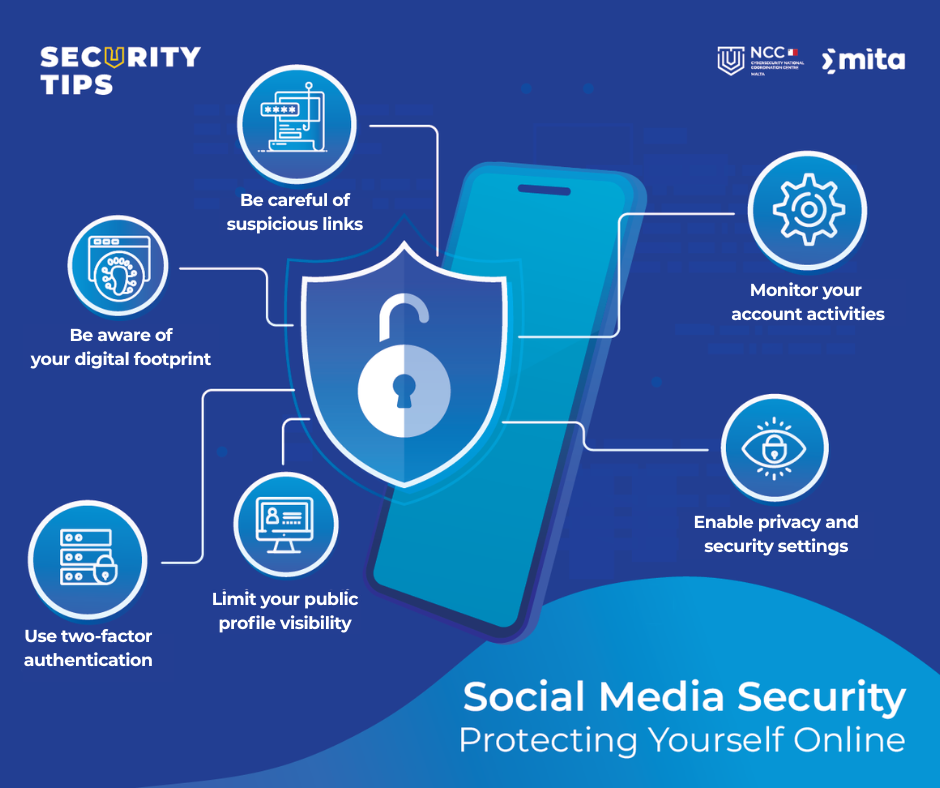
Check your privacy and security settings
Most social media applications enable features by default that could expose more than you intend. Always review your setting and turn off unnecessary permissions like:
- Camera, microphone, location and contacts – only enable these if the app truly requires them.
- Public profile visibility – Limit who can see your posts, photos and personal information.
Enable two-factor authentication
Passwords alone are not enough. Enabling 2FA gives your account another layer of security. This extra layer (like a code sent to your phone or generated by an authenticator app), makes it hard for attackers to gain access to your accounts, even if they know your password.
Be aware of your digital footprint
The digital footprint is the trail of data you leave whenever using the internet, posting on social media or adding phots. Cyber criminals can use your data to create convincing phishing attempts or even steal your identity. Be careful and avoid accepting friend requests from people you don’t know. Avoid sharing sensitive information like your address, phone number or travel plans. On top of everything, always remember that once something is online, it is difficult to fully erase it.
Be careful of suspicious links and scams
Phishing is one of the most common social media threats. Fake social media posts disguised as giveaways, shocking news or “urgent” requests. Clicking on them can install malware or steal your login details. If a link looks suspicious, delete it or report it. Hover over links to preview the real URL and watch for spelling mistakes or strange wording.
Reporting Malicious or Fake Accounts
Scammers create fake accounts to trick people into thinking they are a real person and make them click on malicious links. There can also be hacked accounts that scammers use. You can spot these accounts. They might be recently created and with little activity, or their usernames might include random numbers or odd spelling. Moreover, you might receive direct messages with suspicious links or urgent requests. When in doubt, do not engage and report!
Post Responsibly
Think before you share. Limit the number of posts you share as it makes you an easy target for identity theft or scams. Avoid posting any personal information and whenever you are going to post, always ask yourself: Do you want this to be posted on a public billboard?
Monitor Your Account Activities
Monitor your login history and account sessions. If you notice any other activity that you do not recognise, immediately log out of all sessions, change your password and enable alerts for unrecognised logins.
Social media should be enjoyable, not stressful. By staying mindful of your privacy settings, enabling strong security features, and being cautious about what you share, you can reduce risks significantly. The internet never forgets – so always think twice before you click, post, or accept a request.
Stay alert, stay safe, and enjoy the positive side of social media.